Last week, I ran my first webinar entitled “How to Get Noticed on LinkedIn in 2026” with nearly 60 attendees, and one thing was clear: being brilliant at your job is no longer enough if nobody can see you.
With the changes to the LinkedIn algorithm (Brew360), it’s getting harder and harder to get good impressions and engagement, so how do you get noticed in today’s climate?
I thought I’d create a recap of the webinar in blog format, but if you’d prefer to watch the replay, click here.
Why not being noticed hurts more than you’d care to admit
If you’ve ever felt invisible on LinkedIn, you’ll recognise some of these hurdles. Do any of these apply to you?
Hardly any profile views.
Low engagement (if you even post at all).
Very few connection requests.
Hardly any DMs are landing in your inbox.
That horrible “ick” when you try to DM a new connection and instantly worry you sound salesy or cringe.
The fear of posting because you’re not sure what to say. You worry if your colleagues will judge you or if you’ll get it wrong.
You’re not alone. And there’s nothing wrong with facing these hurdles. A lot of my clients face these on the daily, but this blog will help you overcome them.
Let’s begin by saying there’s a cost to staying invisible.
Why getting noticed on LinkedIn actually matters
Getting noticed isn’t about chasing vanity metrics; it’s about giving your career and business half a chance.
When you show up well on LinkedIn, you unlock:
Visibility & discovery – Recruiters and potential clients use LinkedIn’s search like Google. A strong profile with the right keywords, a photo, and relevant experience makes you easier to find.
Career opportunities – Roles, projects and collaborations often land in your DMs because your profile and content did the early heavy lifting for you.
A digital professional brand – You stop being forgotten and start showing up and being known for something. Your LinkedIn profile is your living, breathing CV.
Credibility – Recommendations, endorsements and project examples give people a reason to trust you.
Networking power – Connecting with peers, leaders and prospects becomes warmer and easier when they’ve already “met” you via your content and your profile.
Personal SEO – When someone Googles you, LinkedIn is usually near the top. What they see there will position you as a professional. On a side note, have you ever Googled yourself? Try it, and the results may surprise you. It’s also a good call to lock down your personal social media profiles to ensure nothing shows up that you wouldn’t want a future employer to see.
So, if LinkedIn isn’t working for you right now, let’s look at why.
These are probably the most usual suspects that are quietly killing your first impressions:
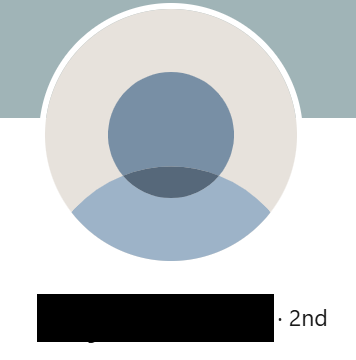
1. The mystery (or messy) photo
No photo at all, or one where you’ve cropped out your boyfriend and his random arm is still in shot. You might have looked great on that night out, but that’s not the vibe we’re going for on a professional platform.
2. Wasted banner space
Your banner is prime real estate on LinkedIn. If your banner shows a beach, a waterfall, or the default blue, it tells me nothing about who you help or what you do.
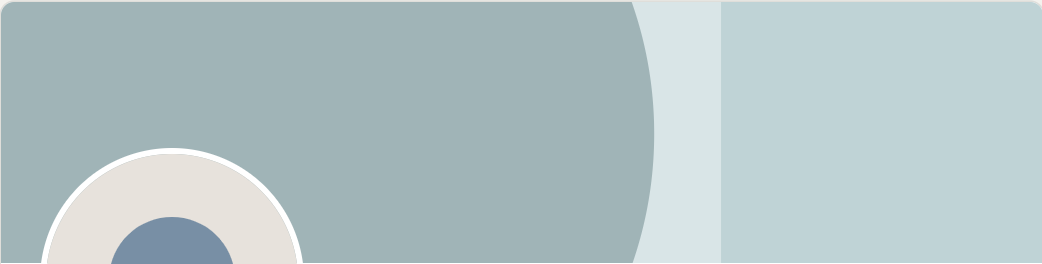
Image source: www.linkedin.com
3. A headline that hides you
If your headline is just “Associate, XYZ Ltd”, you’re relying on me to do all the work. Yes, it might contain keywords, but it doesn’t show me how you help or why I should care. Writing your headline as job title + employer is just boring. Compare that to: “Trust professional helping international families protect and grow their wealth.” One is forgettable. The other gives me a reason to scroll and read on.
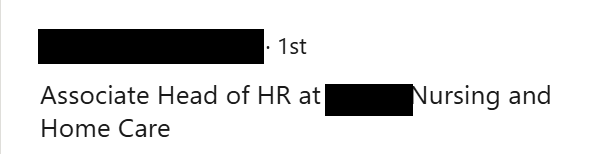
4. The CV-style About section
Written in the third person, stuffed with buzzwords, or copied straight from your HR file. It’s dull, hard to skim and doesn’t explain how you help and the difference you can make. Oh, and if you’re writing your About section in the third person, ask yourself this: Are you the King of England? Or the Prime Minister? If not, start writing in the first person.
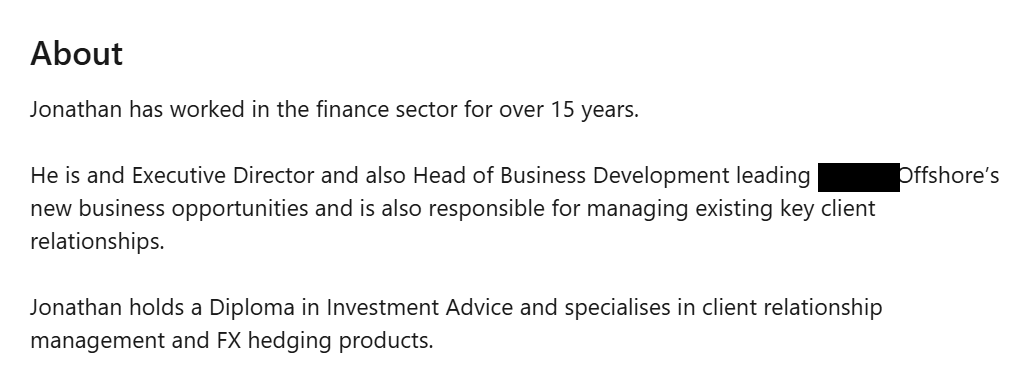
5. No social proof
No recommendations. No real‑world stories. Just “I’m great at X” with nothing to back it up. You might say you’re good at something, but where’s the proof? Recommendations that are results-focused are gold.
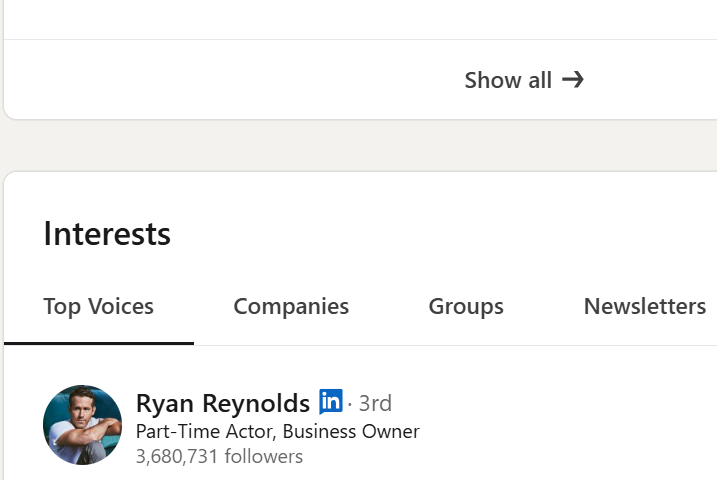
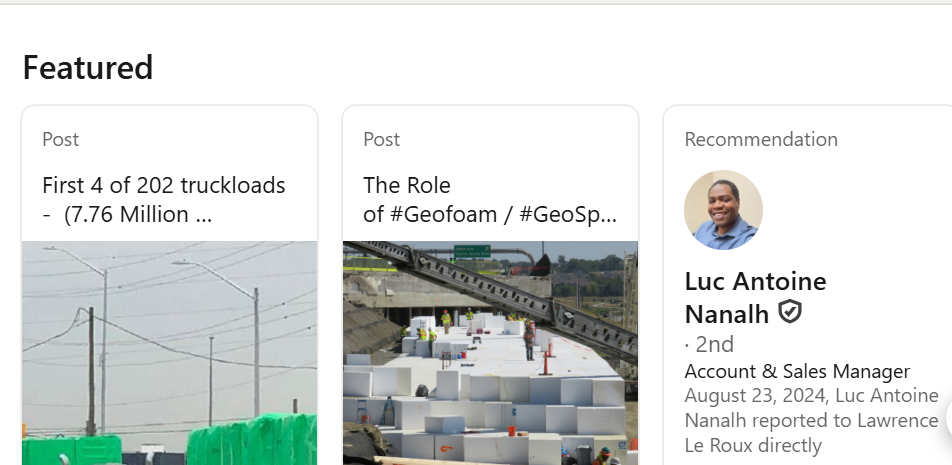
6. A neglected Featured section
Either it’s empty (wasted opportunity), or it’s just housing random posts like “It’s my birthday!” – lovely for you, totally unhelpful for someone trying to understand how you can help them.
Now, before you fling your hands in the air in total despair, I want you to know that none of this is unfixable. You don’t need a rebrand. You just need a tidy‑up.
Here’s what “good” looks like in 2026
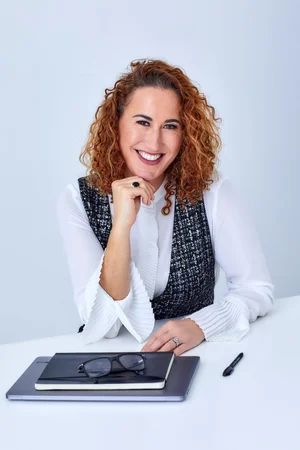
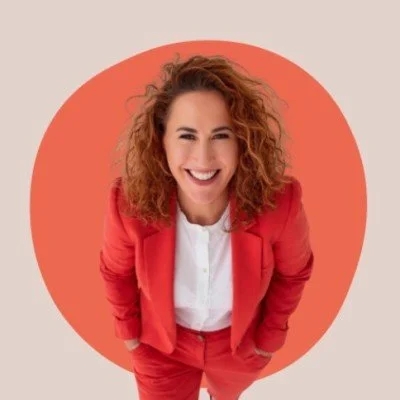
1. A great-looking professional photo
Your photo should be clear, current, and cropped at shoulder height. It should just be you in the frame. A neutral or bold background is great, so you pop in the comments.
2, Banner with a job to do
Your banner should tell me, at a glance:
Who do you work with, or what are your specialities/expertise/services?
How can you help me?
How to contact you (email, website, call, booking link).
Use Canva (you can select the free 30-day trial to create your own) and pick a simple template. You don’t need to be a designer; you just need to customise it with your own words and brand colours.
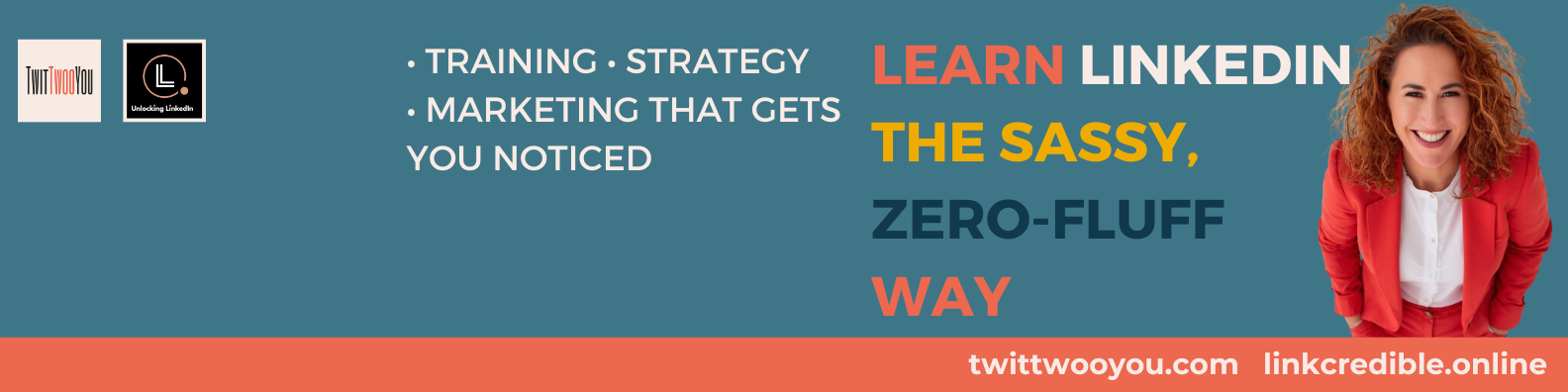
Image credit: www.linkedin.com/in/jobuchanan
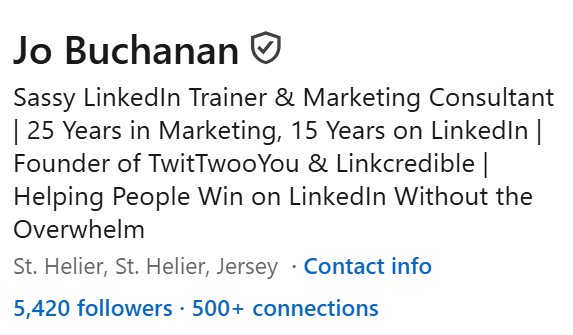
3. Create a headline that keeps your visitor on your profile
Your headline has up to 150 characters, but remember: the first 40 follow you everywhere. In comments, DMs and search results. So make sure to put the best bits first.
Your headline should include the following:
Who do you help?
What do you help them with?
A couple of keywords people might actually search for.
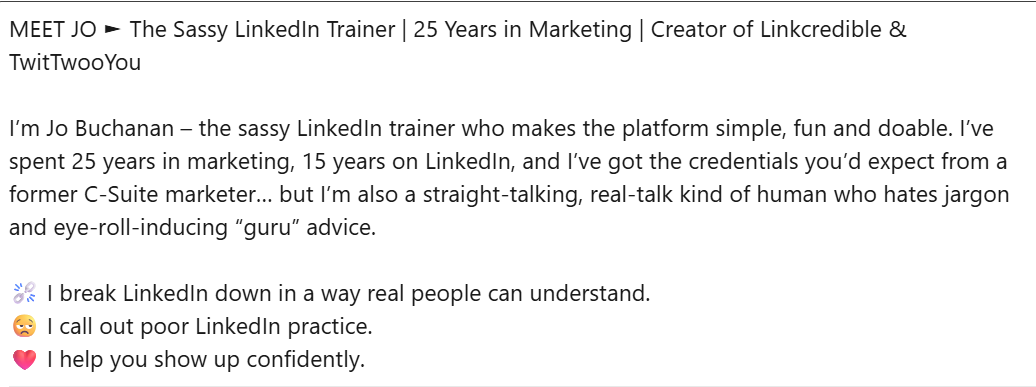
4. An about section, that sounds like you and clearly explains how you help
As I mentioned previously, your About section is not a place to regurgitate your CV; it’s a place to explain clearly:
Who do you help?
What problems do you solve?
The difference you make.
Write it in the first person, break it up with short paragraphs and bullet points, and make it easy to skim. Talk to the reader, not at them.
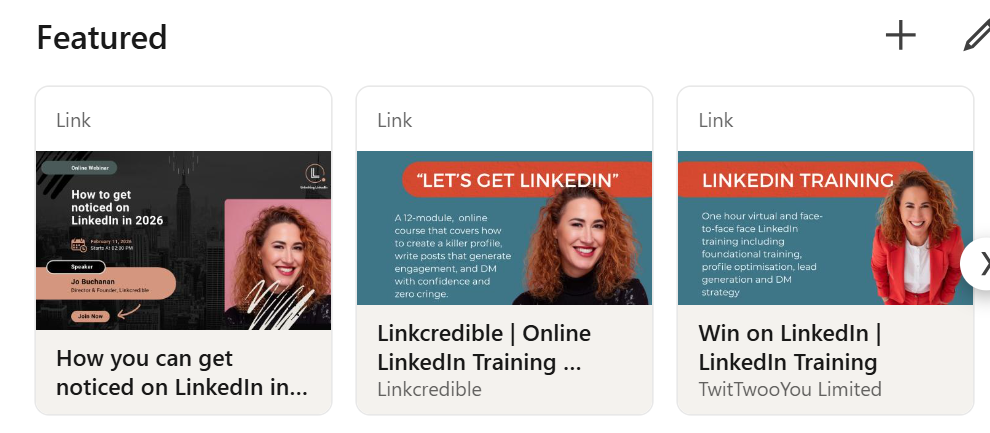
5. A featured section that converts people off LinkedIn
Think of your Featured section as your shop window. You should add things like:
A lead magnet.
A link to book a call.
Your website bio or services page.
Subscribe to my mailing list link
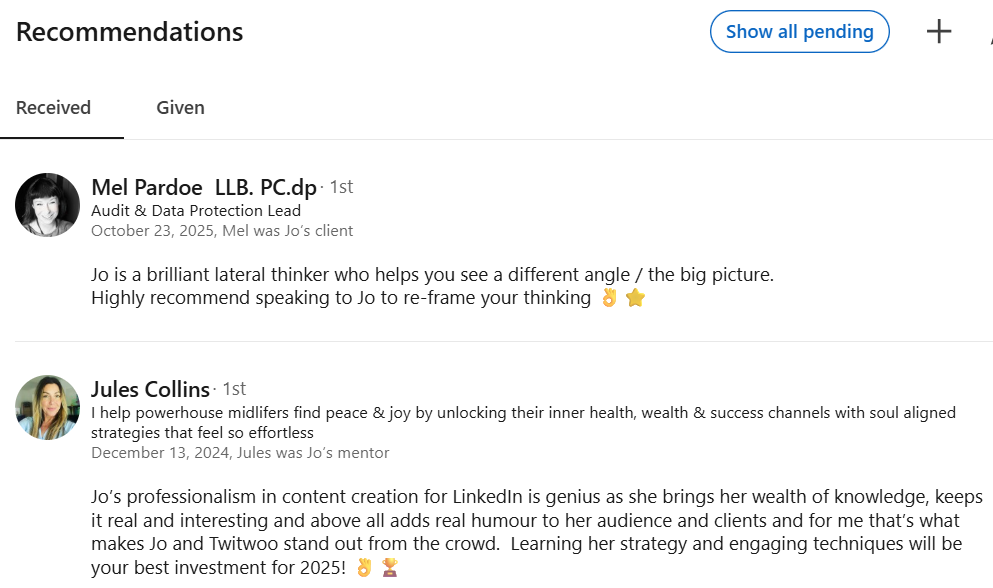
6. Recommendations that shine a light on you
You can tell me you’re good until you’re blue in the face. It lands very differently when a client, colleague or manager says it. Ask for specific, recent recommendations that talk about:
The problem you helped with.
What you actually did.
The results or impact.
A handful of strong recommendations can transform how credible you appear.
Getting noticed on LinkedIn in 2026 isn’t about gaming the algorithm or posting every day until you crack. It’s about setting up your profile so it works for you. And, making it easy for the right people to find you, understand you and trust you.
If you’d like to go deeper, you can watch the full replay of my webinar “How to get noticed on LinkedIn in 2026” here.
Like what you’ve read?
Jo Buchanan, the author of this blog, is the Founder and Director of TwitTwooYou Limited, a business growth strategic consultancy centred on getting brands noticed. TwitTwooYou offers smart services to help businesses grow and achieve their aspirations and goals. Want to get your brand noticed? Get in touch for a free, no-obligation chat.